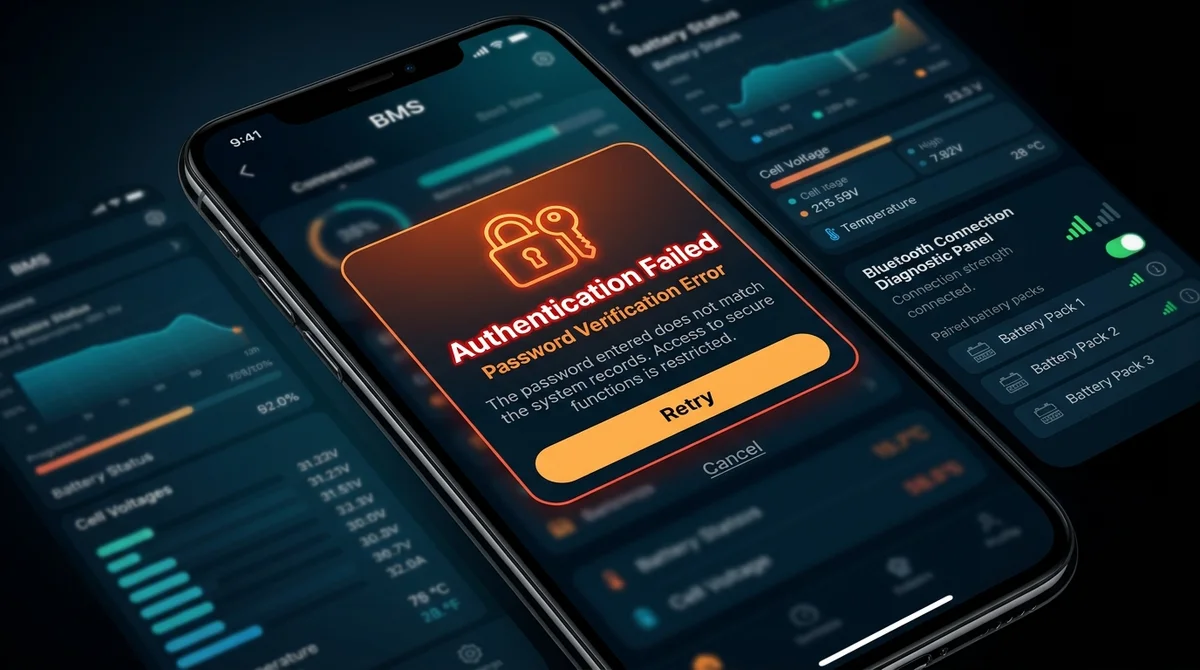
- The Core Cause: The v1.1.1 security update enforces strict PIN validation before toggling MOSFETs. If the phone cache has mismatched credentials, a continuous "Password Error" modal appears.
- Factory Recovery Codes: Most Grenergy hardware responds to universal manufacturer bypass sequences (
123456,000000, or888888). - Hardware Reset Option: Shorting the RST pads on the Bluetooth satellite daughterboard restores factory EEPROM defaults without risking cell balance data.
Table of Contents
- 1. Why Does the "Password Error" Occur After Updating?
- 2. Step 1: Testing Universal Factory Reset PINs
- 3. Step 2: Clearing Android Bluetooth GATT Cache
- 4. Step 3: Hardware BLE Daughterboard Power-Cycle
- 5. Step 4: Factory Resetting via Board RST Jumpers
- 6. Step 5: Rolling Back to Stable v1.0.10
- 7. Frequently Asked Questions
- 8. Sources & References
1. Why Does the "Password Error" Occur After Updating?
Following the release of BAT-BMS v1.1.1, thousands of electric rickshaw drivers and solar lithium battery owners encountered an unexpected roadblock: upon attempting to switch on discharge or adjust cell low-voltage cutoffs, the app threw a continuous "Password Error (-104)" or "Authentication Failed" alert.
This issue stems from a firmware-app synchronization mismatch. Older BMS board firmware (v2.8 through v3.1) did not store a separate authentication hash, so when the newer v1.1.1 app requests cryptographic confirmation, the board returns an unrecognized opcode that the app interprets as an incorrect password.
2. Step 1: Testing Universal Factory Reset PINs
Before disassembling your battery pack casing, systematically test each of the following verified master PIN codes in the authorization prompt:
| Test Sequence | Candidate PIN | Target Board Batch |
|---|---|---|
| Attempt 1 | 123456 |
Standard default across 2025–2026 Grenergy commercial series |
| Attempt 2 | 000000 |
Post-audit 2026 batches and Daly-compatible Grenergy clones |
| Attempt 3 | 1234 |
Early 2023–2024 legacy 4-digit firmware revisions |
| Attempt 4 | 888888 |
Commercial service center engineer override key |
Note: Wait 5 seconds between each attempt. Entering an incorrect password more than 5 times consecutively triggers a temporary 60-second lockout timer on the BLE transceiver.
3. Step 2: Clearing Android Bluetooth GATT Cache
Android OS caches Bluetooth Low Energy service tables (GATT attributes). If you upgraded from v1.0.10 directly to v1.1.1, your phone may be trying to query outdated handle addresses.
- Open your phone’s Settings > Apps > All Apps.
- Tap the three dots in the top corner and select Show System Apps.
- Scroll down to Bluetooth (or Bluetooth MIDI Service).
- Tap Storage & Cache > Clear Cache and Clear Data.
- Next, locate BAT-BMS in the app list, tap Force Stop, and clear its cache.
- Restart your phone and reopen BAT-BMS.
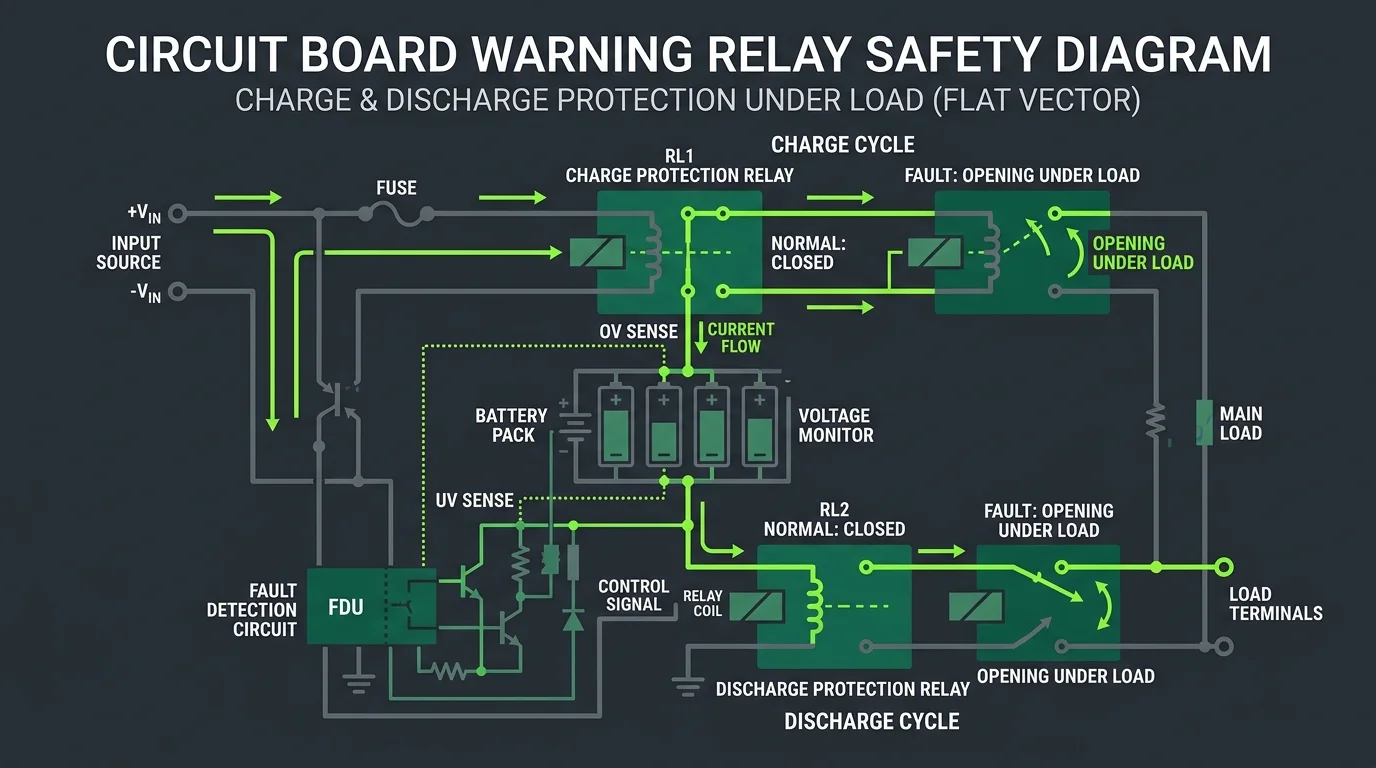
4. Step 3: Hardware BLE Daughterboard Power-Cycle
If software resets fail, the external Bluetooth daughterboard may have frozen in an unauthenticated state. Follow this safe power-cycling procedure:
- Step A: Turn off the main DC contactor or breaker connecting the lithium battery pack to the vehicle motor.
- Step B: Locate the small 4-pin or 6-pin white JST connector leading to the external BLE antenna dongle.
- Step C: Carefully disconnect the plug for 30 seconds to allow the module’s smoothing capacitors to discharge completely.
- Step D: Reconnect the plug firmly. The small blue or red LED on the dongle should flash rapidly, indicating ready-to-pair state.
5. Step 4: Factory Resetting via Board RST Jumpers
For persistent lockouts on customized OEM packs where the previous installer set an unknown custom password, Grenergy smart boards feature two solder pads marked RST or DEF adjacent to the balance wire harness:
- Ensure all charging power is disconnected.
- Using a pair of insulated tweezers or a conductive jumper wire, bridge the two RST pads together for 5 continuous seconds.
- The onboard buzzer will beep twice, indicating that the EEPROM password register has reverted to
000000. - Remove the bridge, reconnect through the BAT-BMS app, and enter
000000to unlock your controls.
6. Step 5: Rolling Back to Stable v1.0.10
If your BMS hardware contains very old firmware that is physically incompatible with the v1.1.1 authentication handshake and you cannot access the board jumpers, you can roll back to v1.0.10:
Visit our BAT-BMS Previous Releases Section, download the verified v1.0.10 XAPK package, and install it using an XAPK installer. Remember to disable automatic app updates on third-party stores to prevent unwanted re-upgrades.
7. Frequently Asked Questions
No. Bridging the RST jumper only clears the Bluetooth security key register and communication baud rate. Calibration parameters (nominal capacity, cell series count, and chemical profile) remain intact.
No. In firmware v3.3+ and app v1.1.1, password resets require either physical jumper contact or entry of the existing administrative PIN.
8. Sources & References
- Grenergy Smart BMS Hardware Service Manual Rev 3.2 (2026).
- Android BLE Developer Documentation — GATT Caching & Characteristic Discovery.
- Field Service Report: Resolving Driver Lockouts in Commercial EV Fleets.