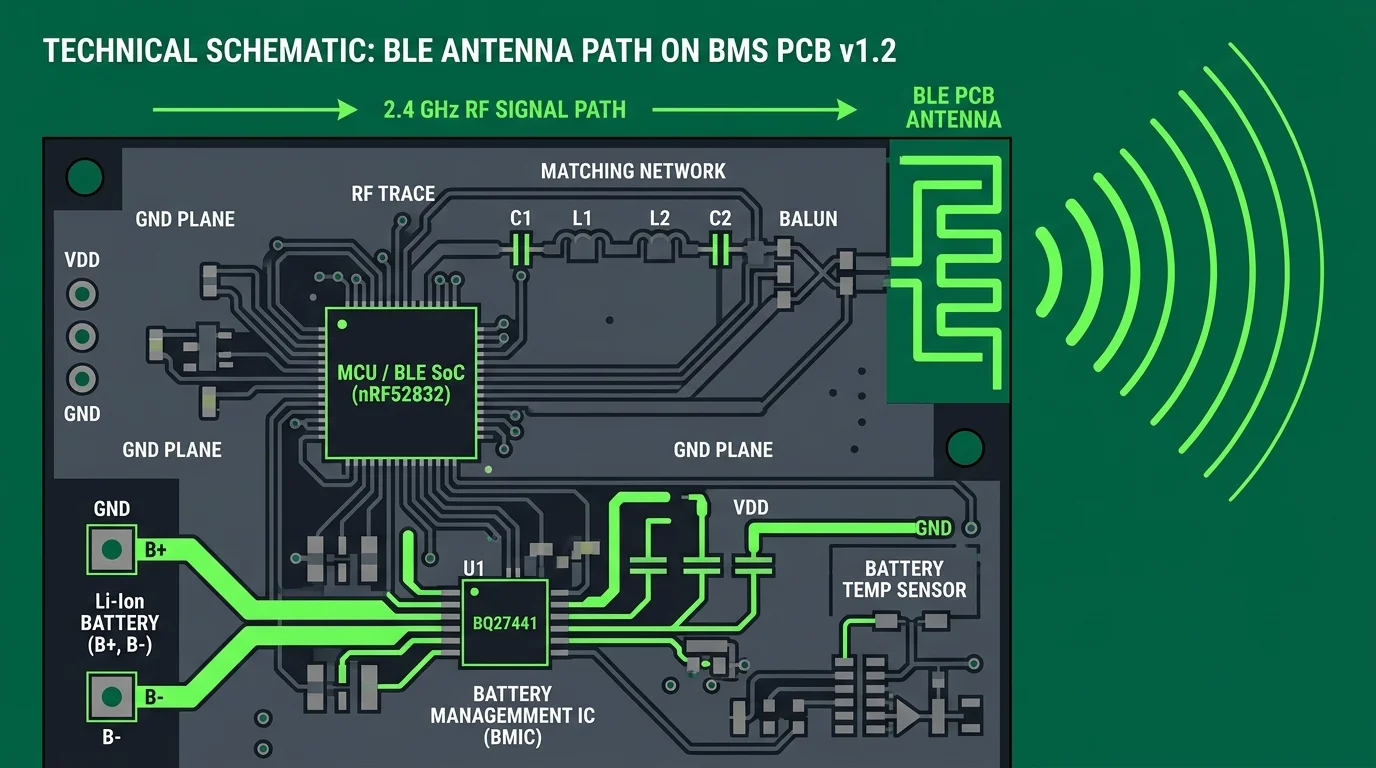
- Enclosure Attenuation: Placing BMS modules inside heavy iron battery boxes reduces the BLE signal range from 12 meters down to less than 3 meters.
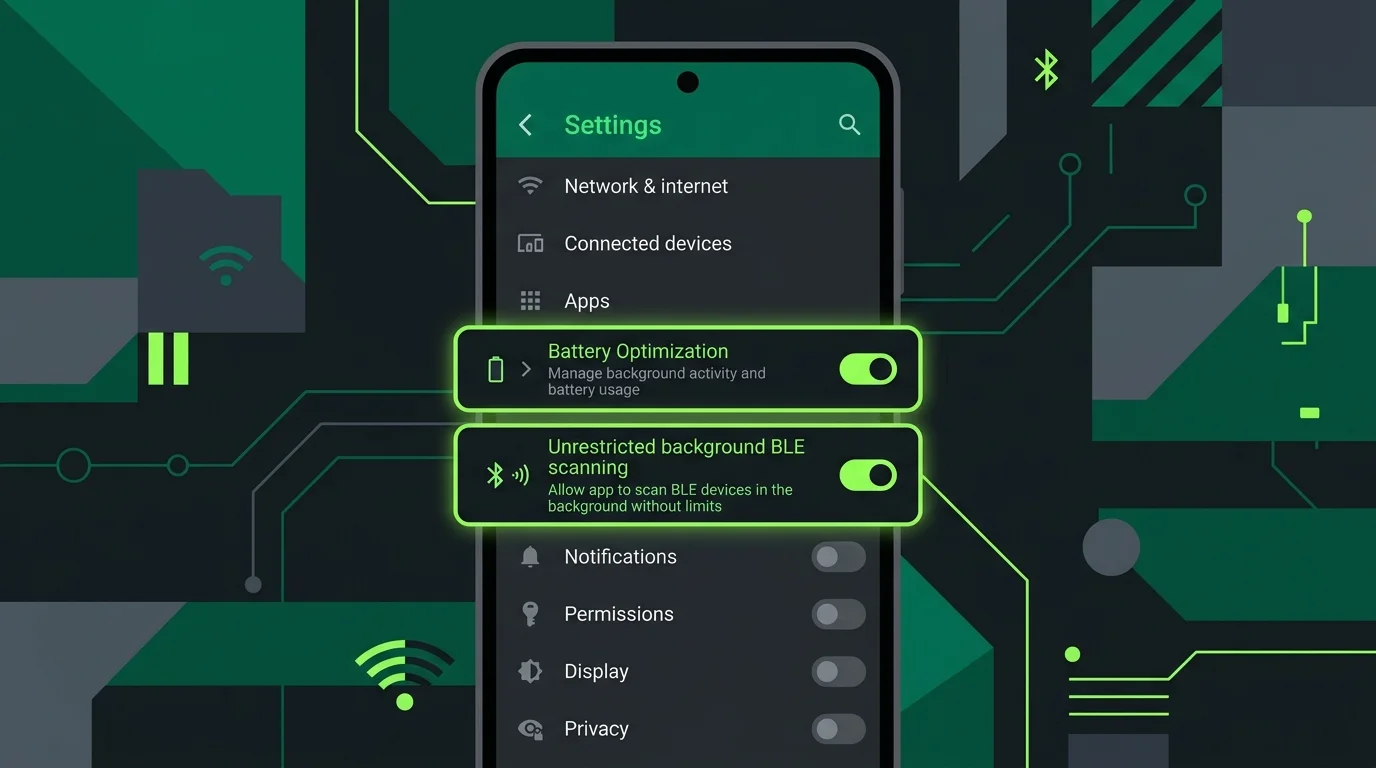
- OS Optimization Kills: Android's default battery optimization profiles aggressively suspend BLE serial background loops unless the app is marked as "Don't Optimize".
- Channel Interference: Co-existence challenges in the congested 2.4 GHz ISM frequency band (Wi-Fi, Bluetooth) can cause signal dropping.
Table of Contents
- 1. BLE Signal Attenuation in Metal Battery Enclosures
- 2. Overcoming Android OS Background Process Suspensions
- 3. Resolving RF Channel Interference
- 4. Troubleshooting Step-by-Step Checklist
- 5. Frequently Asked Questions
- 6. Sources & References
1. BLE Signal Attenuation in Metal Battery Enclosures
Bluetooth Low Energy (BLE) operates on the 2.4 GHz frequency. When a BMS module is sealed inside a steel or aluminum battery enclosure, the box acts as a Faraday cage, attenuating the electromagnetic waves. To maintain connection stability, operators must ensure that either an external Bluetooth antenna extension is routed outside the box or keep the monitoring phone within 2-3 meters of the battery.
2. Overcoming Android OS Background Process Suspensions
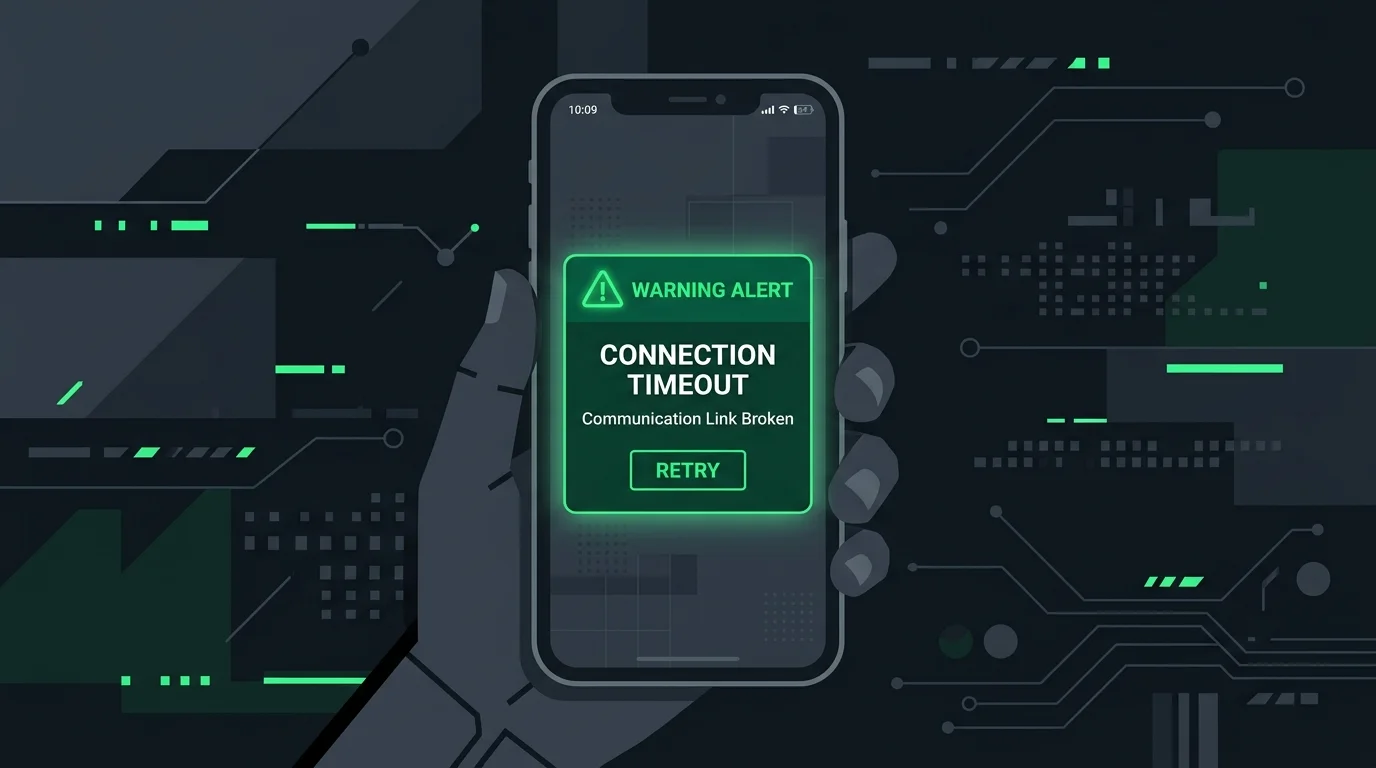
Many users report connection drops shortly after locking their phone screens. Android aggressively terminates long-standing background BLE service connections to save power. To resolve this, navigate to Android Settings → Apps → BAT-BMS → Battery and toggle the option to "Unrestricted" or disable Battery Optimization rules.
3. Resolving RF Channel Interference
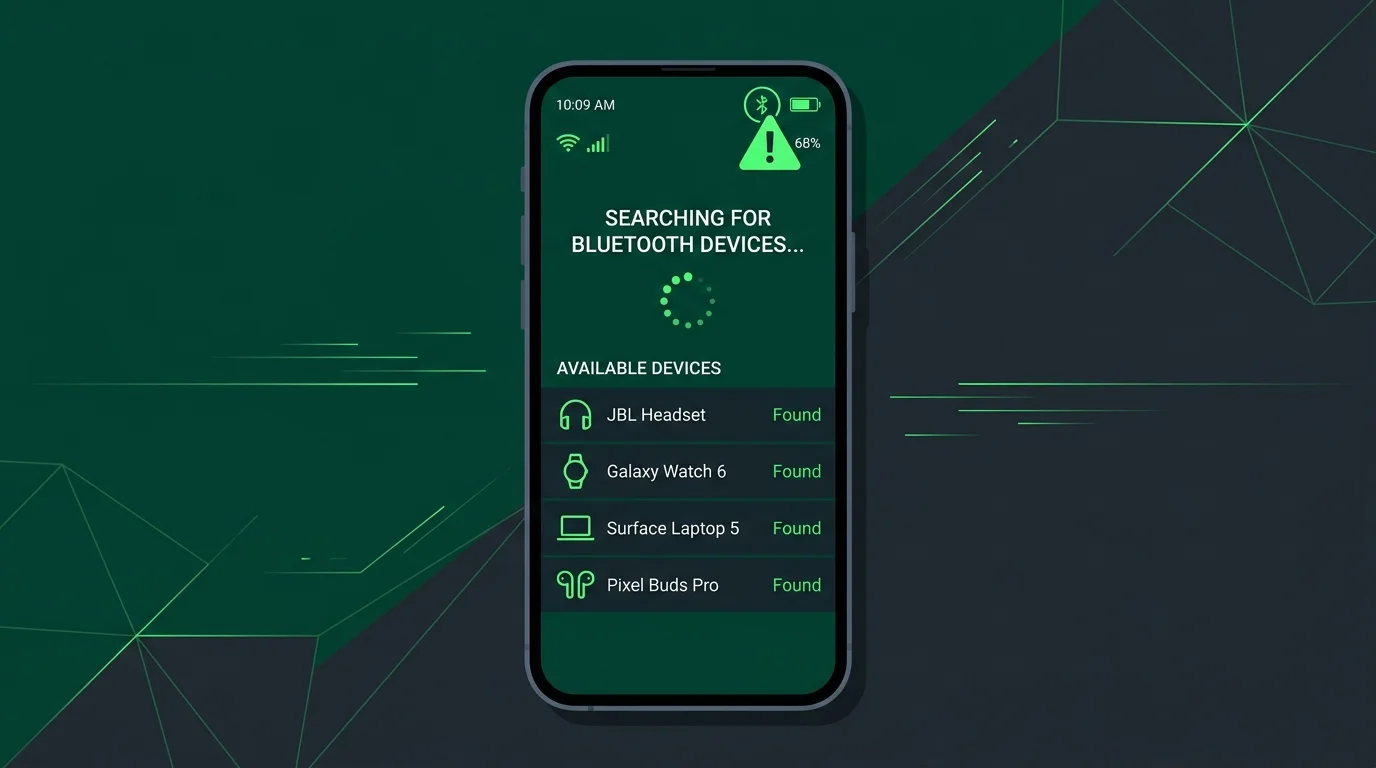
In dense vehicle charging yards or commercial areas, dozens of active Bluetooth devices and Wi-Fi networks compete for the same 2.4 GHz channels. If discoverability fails, disabling and enabling the phone's Bluetooth transceiver forces Android to re-scan channels, bypassing temporary signal noise.
4. Troubleshooting Step-by-Step Checklist
If you're having trouble connecting, perform this checklist:
- Check Power: Confirm the BMS board indicator LED is blinking.
- Location Services: Verify Location and Nearby Devices permissions are enabled for the app.
- No Other Connections: Ensure no other smartphone is actively paired with the target BMS board.
Connection issues and BLE scanner freezes are often resolved by upgrading to the latest app client. You can find verified, safe offline installer downloads on our dedicated BAT-BMS APK Download Page.
5. Frequently Asked Questions
Android OS groups BLE device scanning under location permissions because detecting nearby beacons could theoretically be used to determine a user's location.
Yes. If the battery pack voltage is too low, the BMS board will shut off auxiliary power, including the Bluetooth module, to prevent cell over-discharge.
6. Sources & References
- Bluetooth Low Energy Attenuation characteristics (RF Engineering Handbook)
- Android Developer Guides — BLE Background Services Optimization, 2025.
- "BLE Transceiver Co-existence Challenges in Smart Batteries", IEEE IoT Systems, 2026.